
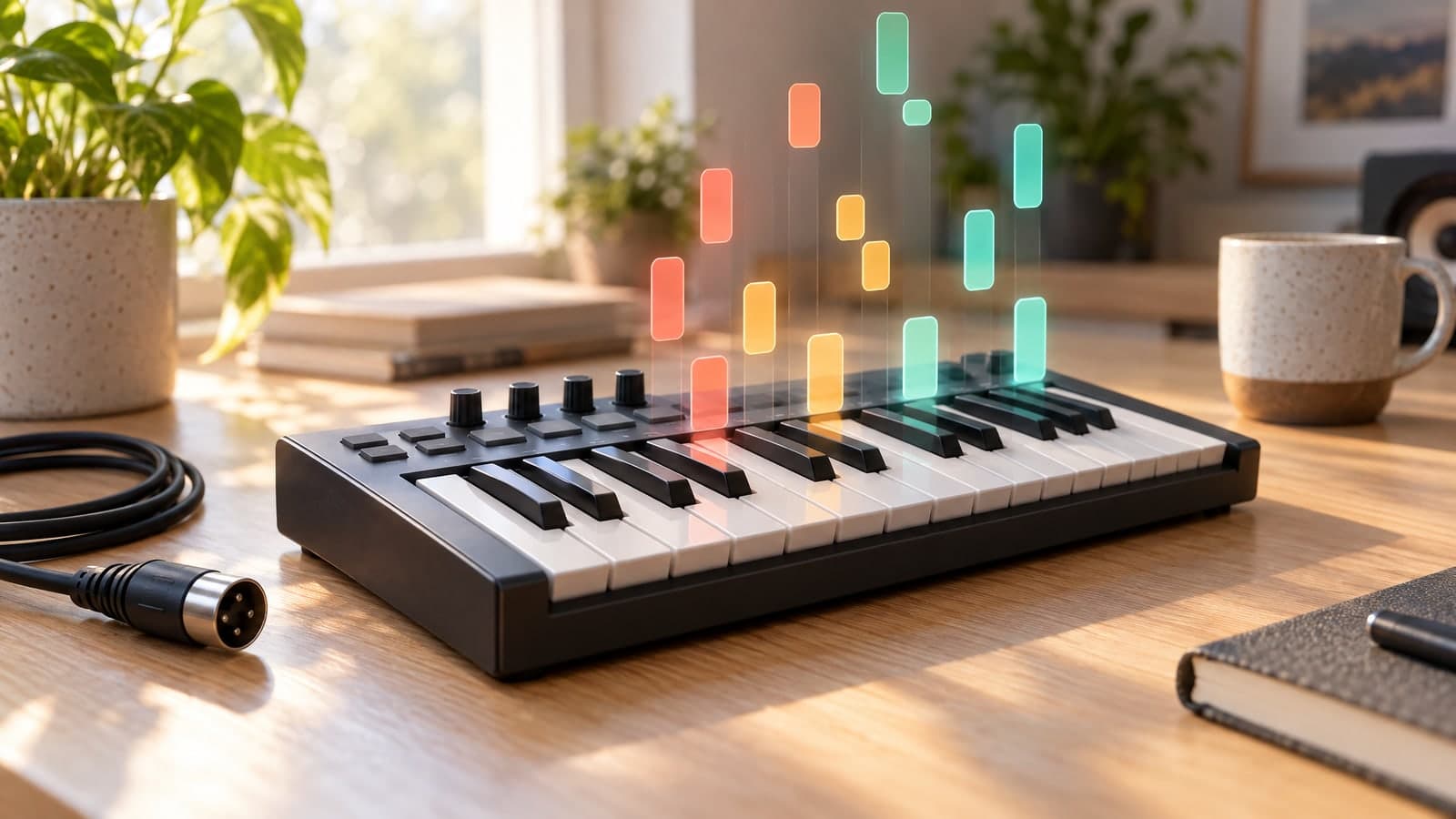
What Is MIDI? Meaning, MIDI Files, and MIDI vs MP3
If you have ever plugged a keyboard into a laptop or opened a .mid file in a music app, you have already used MIDI. So what is MIDI, exactly? It is the language instruments, computers, and music software use to tell each other which notes to play, when to play them, and how hard. It carries no sound at all, and that is exactly what makes it so useful. Once a part is in MIDI, every note can be edited, and an audio to MIDI converter can even pull that data out of a recording you already have.
What Does MIDI Stand For?
MIDI stands for Musical Instrument Digital Interface. It was introduced in 1983 so that synthesizers from different manufacturers could talk to each other through one shared standard. Before that, getting a keyboard from one brand to control a sound module from another was hit or miss.
More than four decades later, the same idea runs through hardware synths, drum machines, controllers, and every major digital audio workstation. MIDI 2.0, adopted in 2020, adds higher resolution and two-way communication, but it was designed to work alongside the original MIDI 1.0 rather than replace it.
MIDI Meaning: Instructions, Not Audio
The easiest way to understand the MIDI meaning is to compare it with sheet music. A score doesn't make a sound on its own. It tells a musician what to play. MIDI works the same way, except the musician is a synthesizer, a sampler, or a virtual instrument inside your software.
A MIDI stream is made of small messages. The ones that matter most are:
- Note on and note off: which key was pressed and when it was released. The gap between the two sets the note length.
- Velocity: how hard the note was played, on a scale of 0 to 127. Instruments use it for volume and tone.
- Pitch bend: smooth changes in pitch, like a guitar string bend or a vocal slide.
- Control change: knobs, sliders, and pedals, including the sustain pedal on a piano.
- Program change: which instrument sound to use.
Because these are just numbers, MIDI is tiny and endlessly editable. Drag a wrong note to the right pitch, tighten the timing, or play the same part on a piano, strings, or a synth bass.
What Is a MIDI File?
A MIDI file, usually saved with the .mid extension, is a Standard MIDI File: the same messages written down with timing information so any program can read them. A whole song often takes just a few kilobytes, because there is no recorded audio inside.
A MIDI file can keep the melody, chords, bass, and drums on separate tracks or channels. Open it in Ableton Live, Logic Pro, FL Studio, Cubase, GarageBand, Reaper, Studio One, or most notation apps, give each part an instrument, and you hear the music.
A MIDI file sounds only as good as the instrument playing it: the same file can sound thin on a basic built-in synth and convincing through a quality piano library.
MIDI vs MP3 and WAV
MP3 and WAV are audio formats: they capture the sound itself, as recorded by a microphone or rendered by your software. MIDI captures the performance.
| MIDI (.mid) | MP3 / WAV | |
|---|---|---|
| What it stores | Notes, timing, velocity, controls | Recorded sound |
| Typical file size | Kilobytes | Megabytes |
| Edit a single note | Yes | No |
| Change the instrument | Yes, instantly | No |
| Sounds the same on every device | No, it depends on the instrument | Yes |
If you want to listen to a song, you want audio. If you want to rework the notes, MIDI is the format you need.
What Is MIDI Used For?
Musicians and producers rely on MIDI every day:
- Production: program drums, write chord progressions, and swap instruments without re-recording anything.
- Arranging: try a melody on different instruments, in a new key, or at a new tempo.
- Learning and transcription: load a piano part into notation software to study it or turn it into a score.
- Remixing: lift a hook or bassline from a track and rebuild it with your own sounds.
The catch is that MIDI usually has to be played or programmed by hand. If the part you want only exists as a recording, you need a way to get the notes back out.
How to Turn a Recording Into MIDI
That is what audio to MIDI conversion does. A transcription model listens to the recording, detects the notes, and writes them into a MIDI file. With TuneStems it takes three steps in your browser, with no software to install:
- Upload your audio. MP3, WAV, FLAC, M4A, AAC, OGG and several other formats work, and so do video files such as MP4 and MOV.
- Pick what the converter should listen for. General Melody covers guitar, strings, keyboards, and other pitched instruments. Vocals isolates the singing first, then transcribes the melody. Piano captures notes, timing, velocity, and pedal information. Drums extracts the drum part and turns the hits into drum MIDI.
- Download the .mid file. Import it into your DAW or notation app and start editing.
The mode matters because a vocal line, a piano performance, and a drum groove carry very different information. The MP3 to MIDI converter sends each one to an AI model built for that material instead of pushing everything through one generic algorithm.
Tips for Cleaner MIDI From Audio
Audio to MIDI conversion is impressive, but the result depends heavily on what you feed it:
- Start with the cleanest recording you have. Background noise, heavy reverb, and distortion all blur the notes.
- Match the mode to the part. Use Drums for percussion rather than General Melody, since drum hits are not pitched notes.
- Give it one part at a time. A dense mix with several instruments in the same range is the hardest thing to transcribe. A solo take or an isolated part gives far more usable MIDI.
If your source is a finished song, split it first with the AI stem splitter, which separates vocals, drums, bass, guitar, piano, and other instruments. The stems that transcribe best get a Convert to MIDI button right in the result, so you can send a clean bass or piano stem to MIDI without downloading and re-uploading it.
Finally, remember that MIDI is performance data. Expect a little cleanup, such as quantizing the timing or deleting a few stray notes, and pick a good instrument to play it back.
Quick Answers
Is MIDI a sound file?
No. A MIDI file contains instructions, not audio. You need a synth, a sampler, or a virtual instrument to hear it.
Can you convert MIDI back to MP3?
Yes. Play the MIDI file through an instrument in your DAW, then export, or bounce, the result as an MP3 or WAV.
Can any song be converted to MIDI?
You can convert almost any recording, but solo instruments and isolated parts give much cleaner results than a busy full mix. Choose the matching mode in the song to MIDI converter, or separate the part first, for the most editable notes.
More Posts

How to Remove Vocals from a Song: A Simple Guide to Clean Instrumentals
Learn how to remove vocals from a song with AI, get a clean instrumental for karaoke, covers, or video, and avoid the most common quality problems.

How to Separate Vocals from Instrumentals in a Song
Follow a practical workflow for separating vocals and instrumental accompaniment, reviewing the results, and choosing files that fit remixing, practice, and editing.

What Is an AI Stem Splitter? A Practical Guide to Music Stems
Learn what an AI stem splitter does, which music stems it can create, and how separated tracks support remixing, practice, editing, and production.